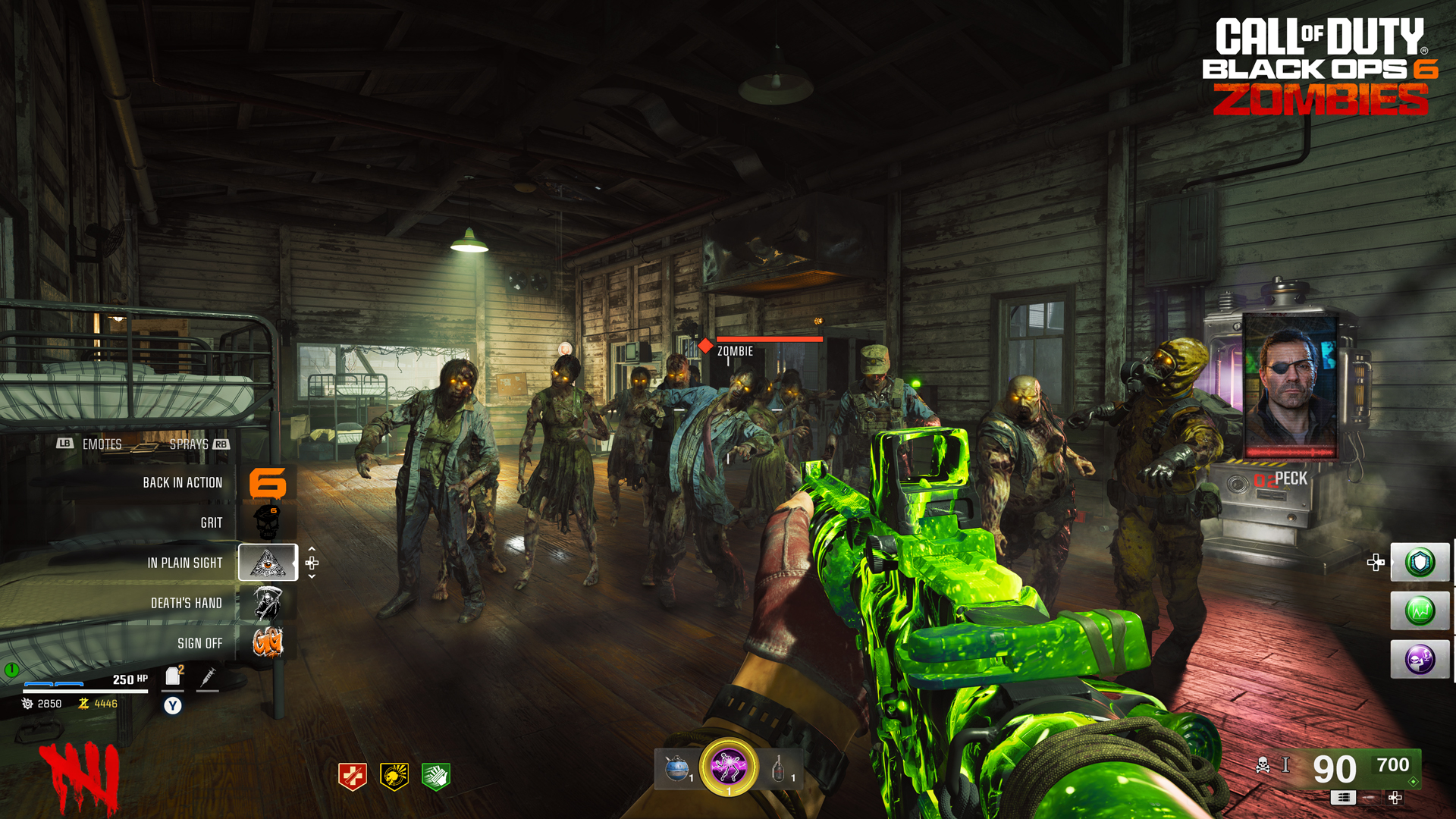
HUD Customizations
- Choose from a variety of layouts
- Includes a “Legacy” setting that mimics Black Ops 3
- Turn off health bars and damage numbers
- Select custom a color palette for your interface elements
- Turn off Pack-a-Punch weapon camos, to preserve customizations
Default HUD
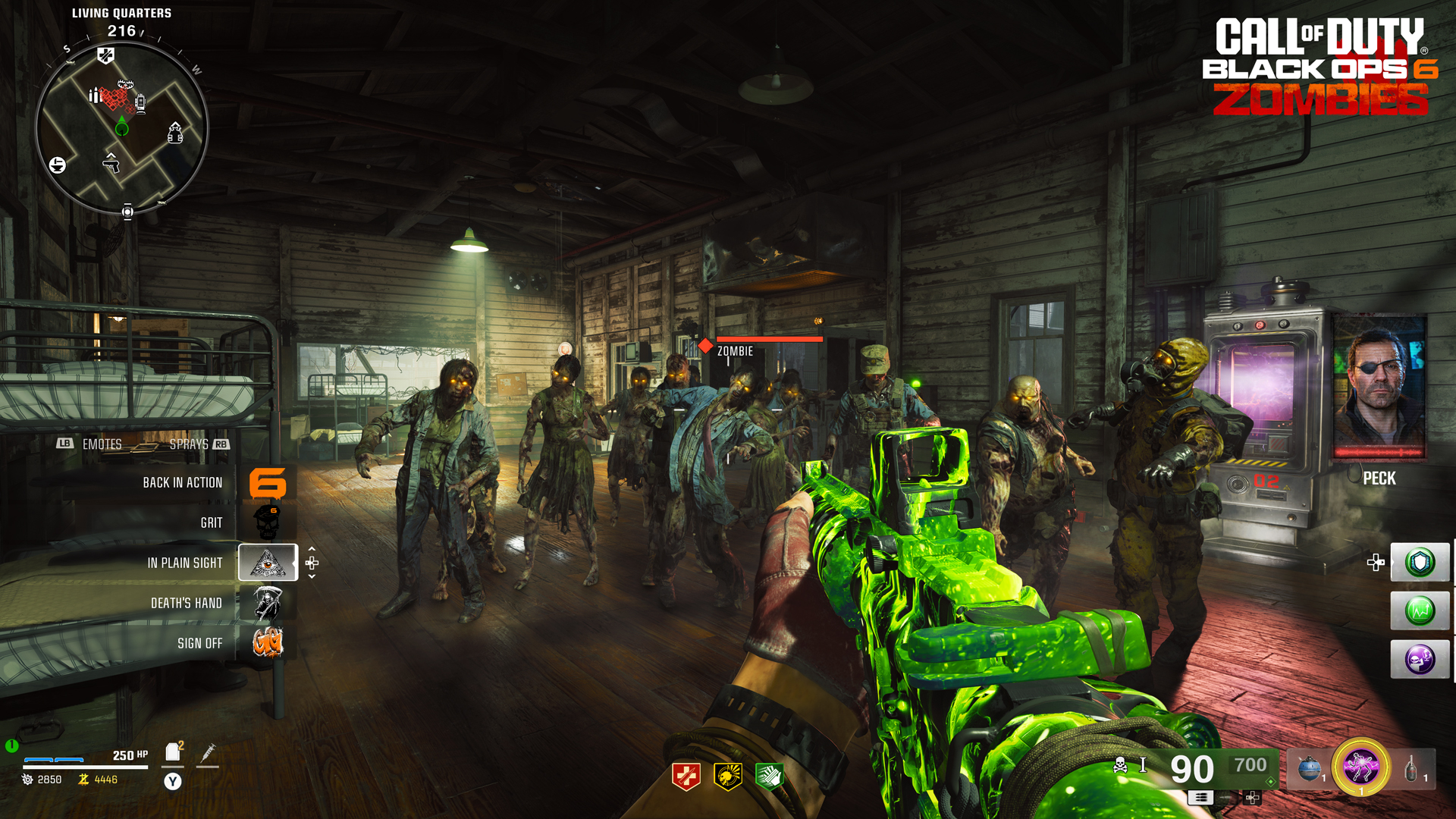
Top Left
Displays the named area of the map where you’re located, your minimap, and any objectives you are currently undertaking.
Top Middle
The main compass, with the named area of the map you’re in.
Top Right
The current Round you’re playing. Below that intermittently appearing are portraits of the Handlers assisting you in your mission, and a waveform of the conversation you’re having.
Middle Left
Click through to a sub-menu appearing here, which shows your available Emotes (which includes your Weapon Inspect) and Sprays, the latter of which can be used to pinpoint areas of interest you’re investigating.
Bottom Left
You (and your squad’s) details, including:
- Your name
- Armor and condition
- Health Bar and Hit Points
- Armor Plates in reserve
- Self-Revive
- Current Salvage total
- Current Essence total
Bottom Middle
The Perks you currently have active.
Bottom Right
Your offensive capabilities, all grouped together, including:
- Your current weapon, along with the ammo and reserve ammo.
- The rarity of the weapon (denoted by a color behind the ammo and a diamond icon).
- The alt-fire capabilities of the weapon (if applicable).
- The current Ammo Mod the weapon is employing.
- The current Pack-a-Punch level (none, I, II, or III)
- Your current Tactical and count.
- Your current Lethal and count.
- Your current Field Upgrade, with a circular regeneration bar around it.
- Up to three GobbleGums you’ve acquired from a machine, but not yet used.
Middle
During normal gameplay, your target crosshairs and reticle when your weapon is ADS, and when activated. Zombie hit markers are shown in the following ways:
- Enemies you are currently damaging have a health bar.
- Damage in three different colors; White (regular damage), Gold (Critical damage) and Blue. (Armor damage)
- Confirmed enemy kills, along with how they were dispatched.
With the correct button press, a context-sensitive Ping Wheel can also appear here, offering the ability to drop a marker at a location based on Audio, Visual, threat level, or an area to move to.
Legacy HUD